Upload media
Add images and videos for menus, promotions, announcements, and campaigns.
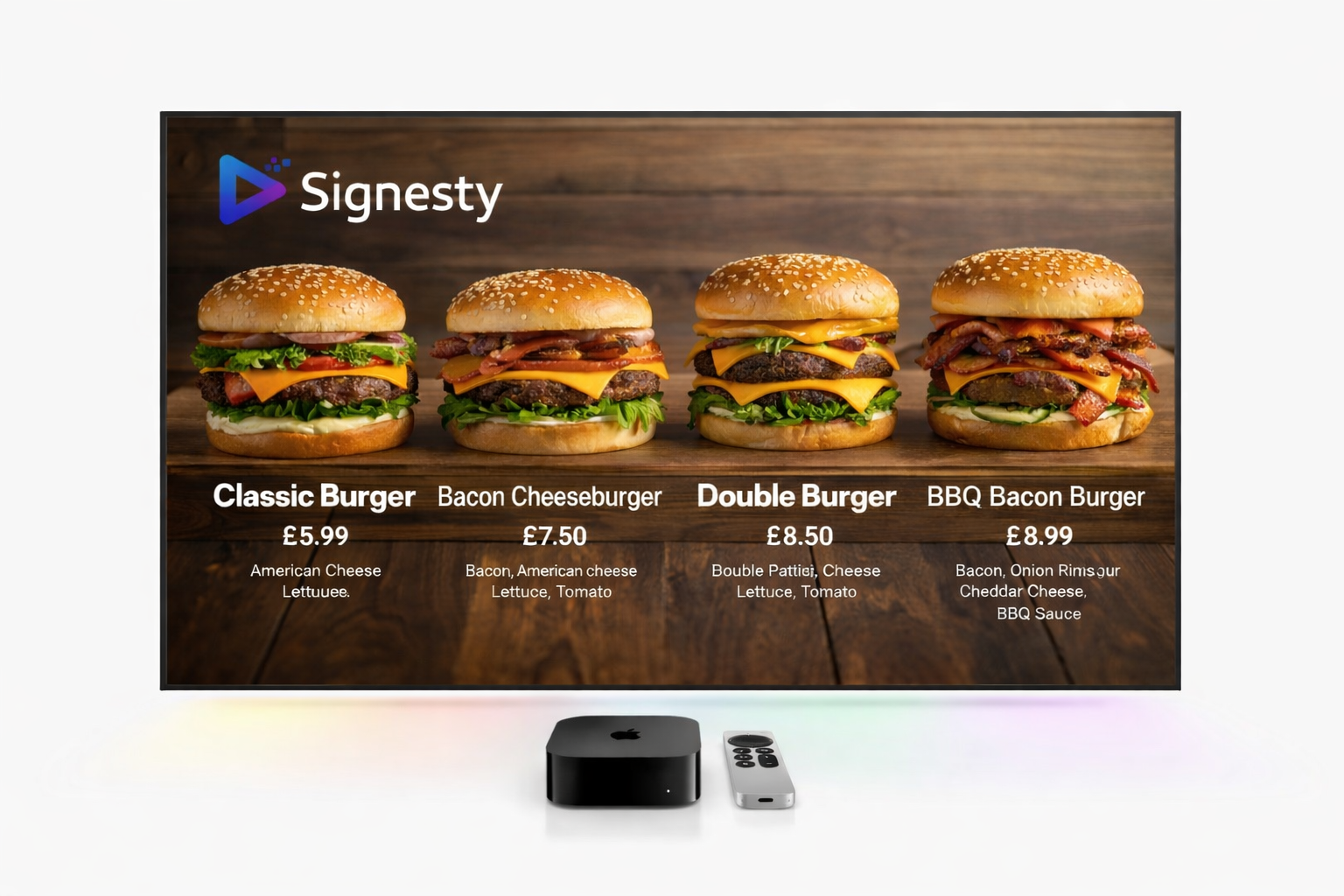
Upload content, build playlists, schedule what plays, and control every display from one dashboard. Works with the Apple TV and Android TV you already own — no custom hardware.
No credit card · 14-day free trial · Cancel anytime
Upload content
Create playlist
Schedule screens
Screen plays instantly
Upload, organize, schedule, and play. The whole loop lives in one place.
Add images and videos for menus, promotions, announcements, and campaigns.
Group content into playlists and decide what each screen should show.
Show breakfast, lunch, dinner, promotions, or events at the right time.
Connect Apple TV or Android TV devices using a simple pairing code.
Built so a restaurant, cafe, gym, office, or retail store can get started without IT support.
Add a screen for your location, menu board, lobby display, or promo TV.
Open the Signesty TV app and pair it with your dashboard code.
Upload images and videos, then build a playlist for that screen.
Choose when content should play. Your screen updates automatically.
Install the Signesty app on Apple TV or Google TV, pair it with your dashboard, and start showing menus, promotions, announcements, and scheduled content in minutes.
Use Google TV or Android TV devices to power menu boards, retail screens, lobby displays, and promotional TVs without expensive custom hardware.
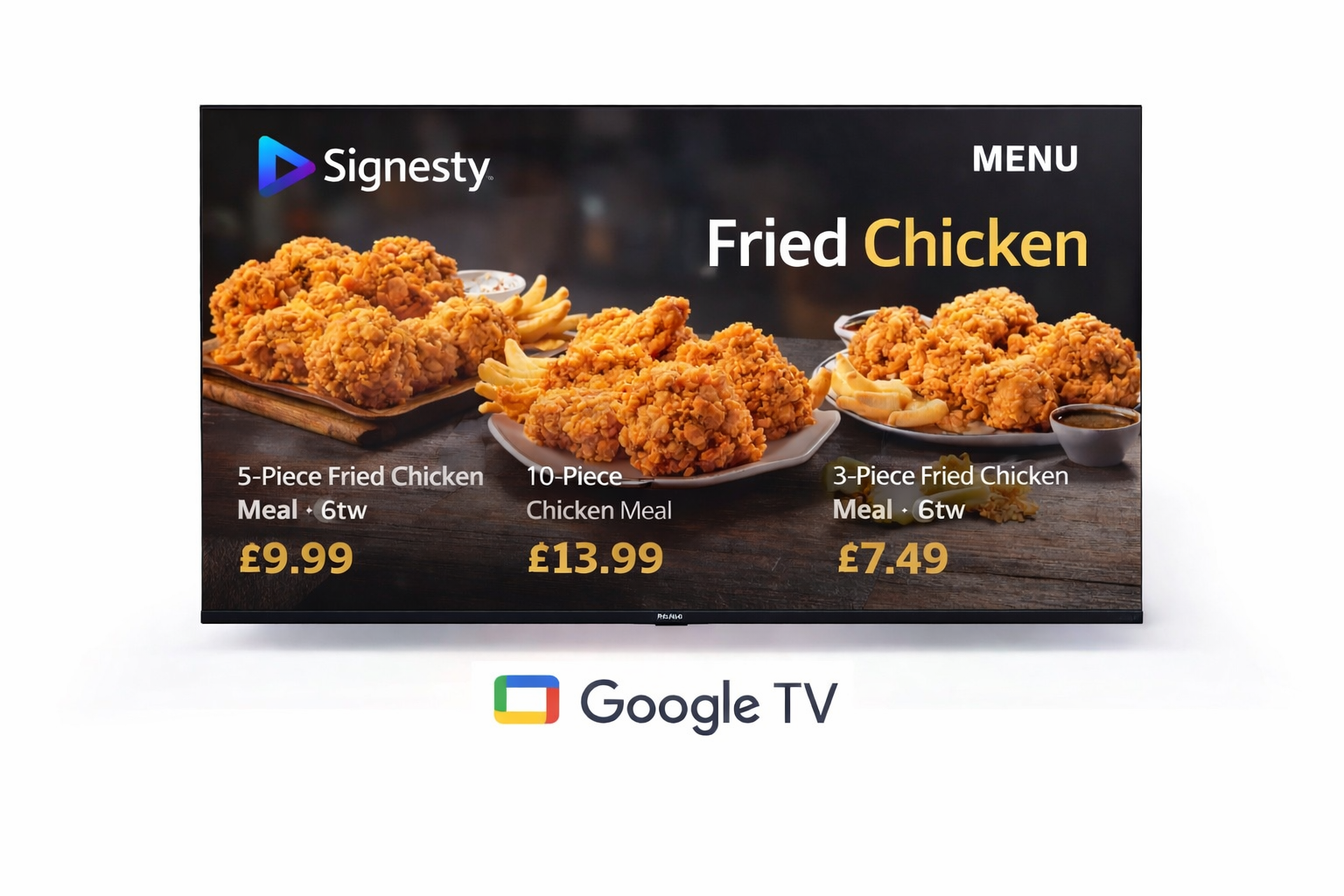
Run beautiful menu boards and screen content — perfect for restaurants, cafes, hotels, and customer-facing spaces.
Use MDM to unlock full kiosk mode and keep screens locked to your content.
Automate deployments and scale effortlessly across multiple locations.